
Caido × Strix

Emile Fugulin
•
June 1, 2026
3 min read

Security teams should not have to choose between speed and control. That is why we are partnering with Strix, the autonomous offensive security platform that natively integrates Caido into its engine.
Strix is the first platform to bring a Caido proxy directly into an autonomous testing workflow. Its agents get a purpose-built interface to execute, replay, and chain requests with precision, while your team keeps full visibility and control over everything happening under the hood.
Autonomous scale, practitioner control
Strix is built to scale offensive security testing across thousands of assets. Its team has used the platform to earn over $100k in bounties this year alone, and they consistently point to the same requirement for real results: full visibility into what the AI is doing, not just more automation.
By integrating Caido, Strix opens a distinct human-in-the-loop (HITL) workflow. Security professionals can inspect, intercept, and modify traffic on the fly without sacrificing the coverage of the automated engine underneath.
Cutting through noise
One of the biggest pain points in automated testing is false positives. Strix agents running through Caido have structured access to everything happening in the sandbox:
- Complete request and response history
- A live sitemap built from every crawled endpoint
- HTTPQL to filter and query traffic with precision
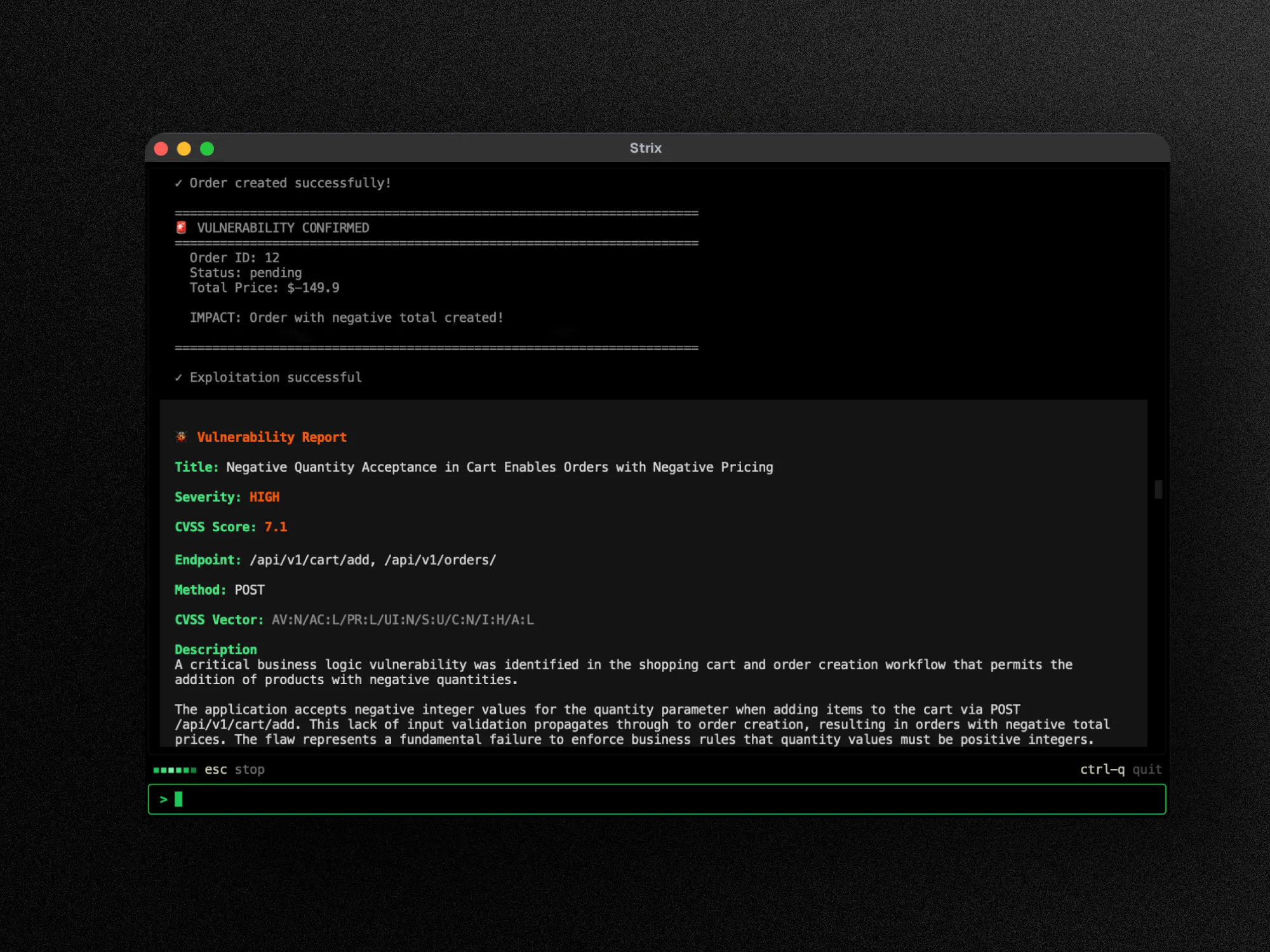
Rather than operating blind, agents can inspect the full picture, cross-reference findings against real traffic patterns, and surface only what is genuinely exploitable. In Strix's benchmarks, this workflow improved vulnerability detection accuracy from 82% to 96%.

Built for multi-agent workflows
Strix runs a multi-agent system: specialized agents operating in parallel across a target, each handling different attack surfaces at the same time. Caido is built for exactly this kind of workload.
Caido is the only proxy with true client-server separation. Every agent can route traffic headlessly through the same Caido instance without any UI dependency. All agents feed into a single unified project: shared request history, one sitemap, one set of findings. No fragmentation and no lost context across agents.
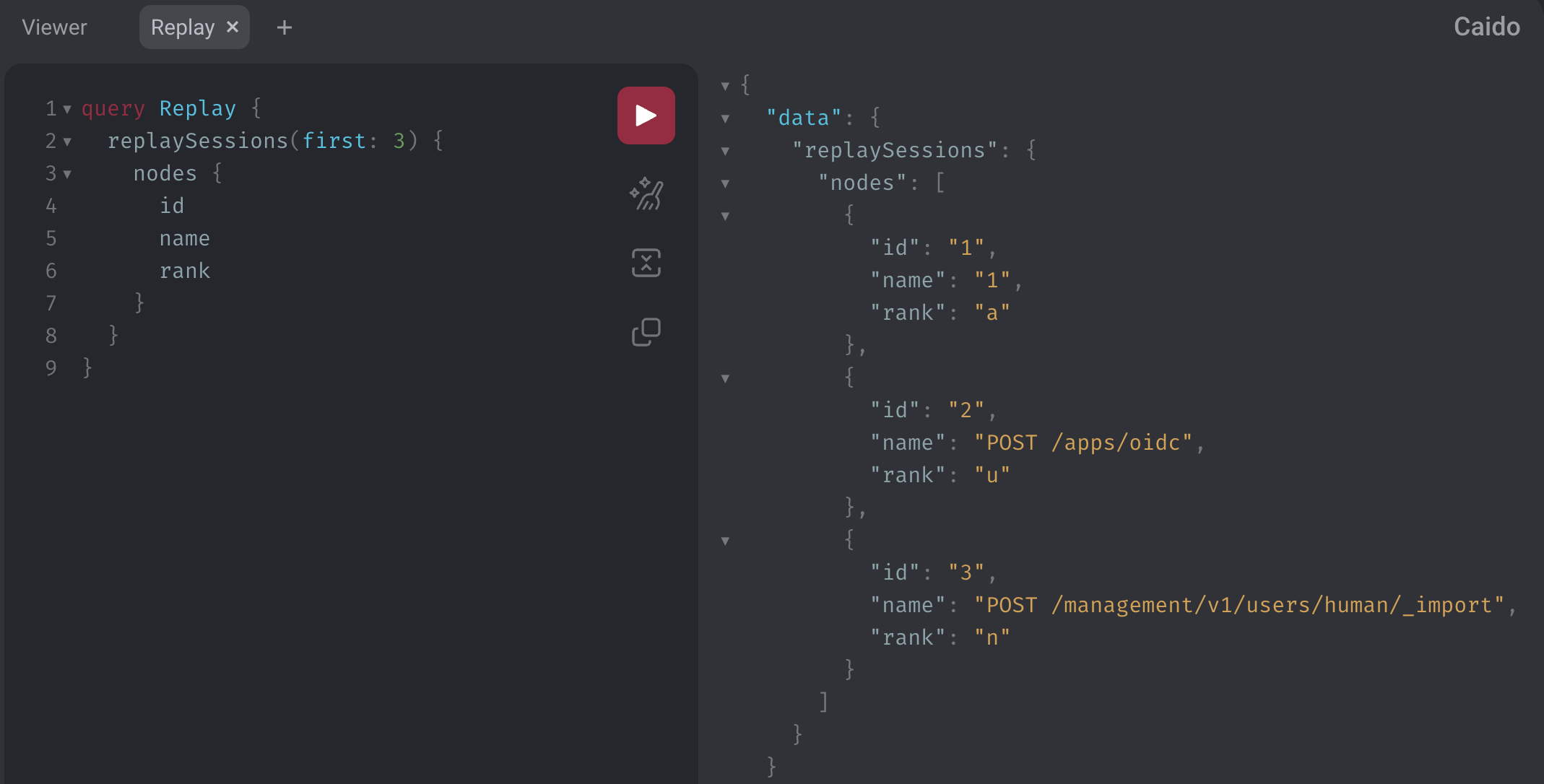
On top of that, Caido's GraphQL API and SDK give Strix's agents a clean, programmatic interface to interact with your project: pull auth tokens, query traffic with HTTPQL, create replay sessions, and chain requests across agents without bloating context or writing fragile custom scripts.
Human-in-the-loop without extra effort
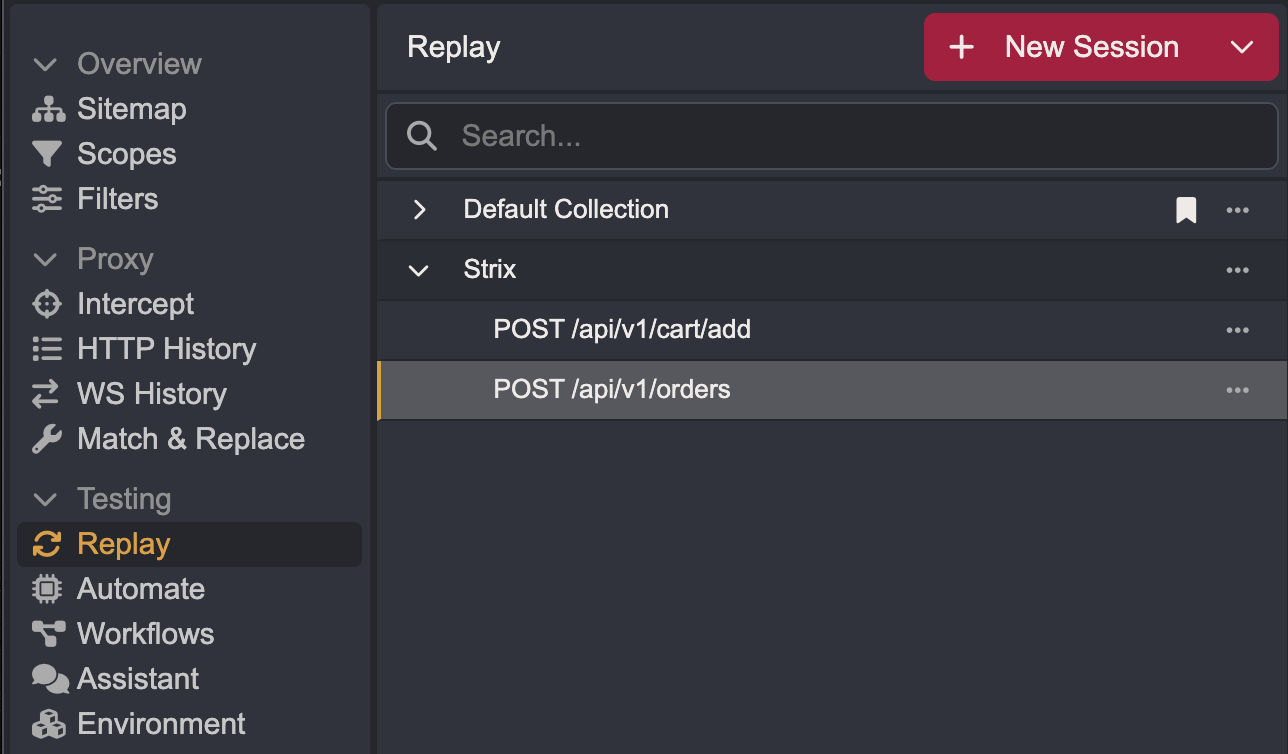
The practical win is human-in-the-loop without adding friction. An agent runs, finds issues, and creates replay sessions with descriptive names. You open Caido and everything is already there in the interface you already use. Verify findings, edit replay tabs, dig deeper. No context switching between agent output and your primary testing tool.
Accountability for security leaders
Deploying autonomous AI agents in a security program demands accountability, not just speed. Caido gives Strix's agents a fully auditable sandbox: every request sent, every response received, and every finding generated is captured, logged, and inspectable in real time.
Nothing is a black box. Security leaders get complete visibility into what the AI is doing at every step, with the ability to monitor, review, and intervene at any point through the Caido interface.
Learn more
Read Strix's announcement for their perspective on the integration, and visit our partners page for more on how we work with the broader security ecosystem.
Keep reading
- The Practitioner's Guide to AI-Enhanced Hacking: chat bots, agents, MCP, Skills, and local models.
- Agentic Pentesting with MCP: how proxy-backed MCP gives teams visibility into what their agents are doing.